Initial entry point
Global left-rail CTA
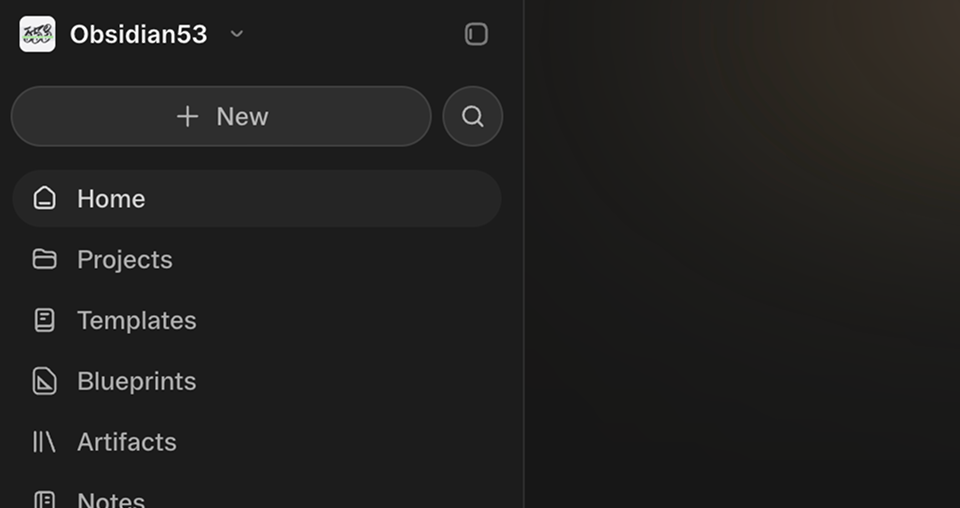
Pinpoint first lived in one Prompt composer opened from the product’s primary action.
Obvious · AI product design
A visual annotation workflow that makes precise product intent easier to communicate.
Overview
During a three-week work trial at Obvious, I designed and shipped Pinpoint, a visual annotation workflow for directing AI-generated product changes. It began as a focused proof of concept, then evolved through engineering review into a reusable product capability.
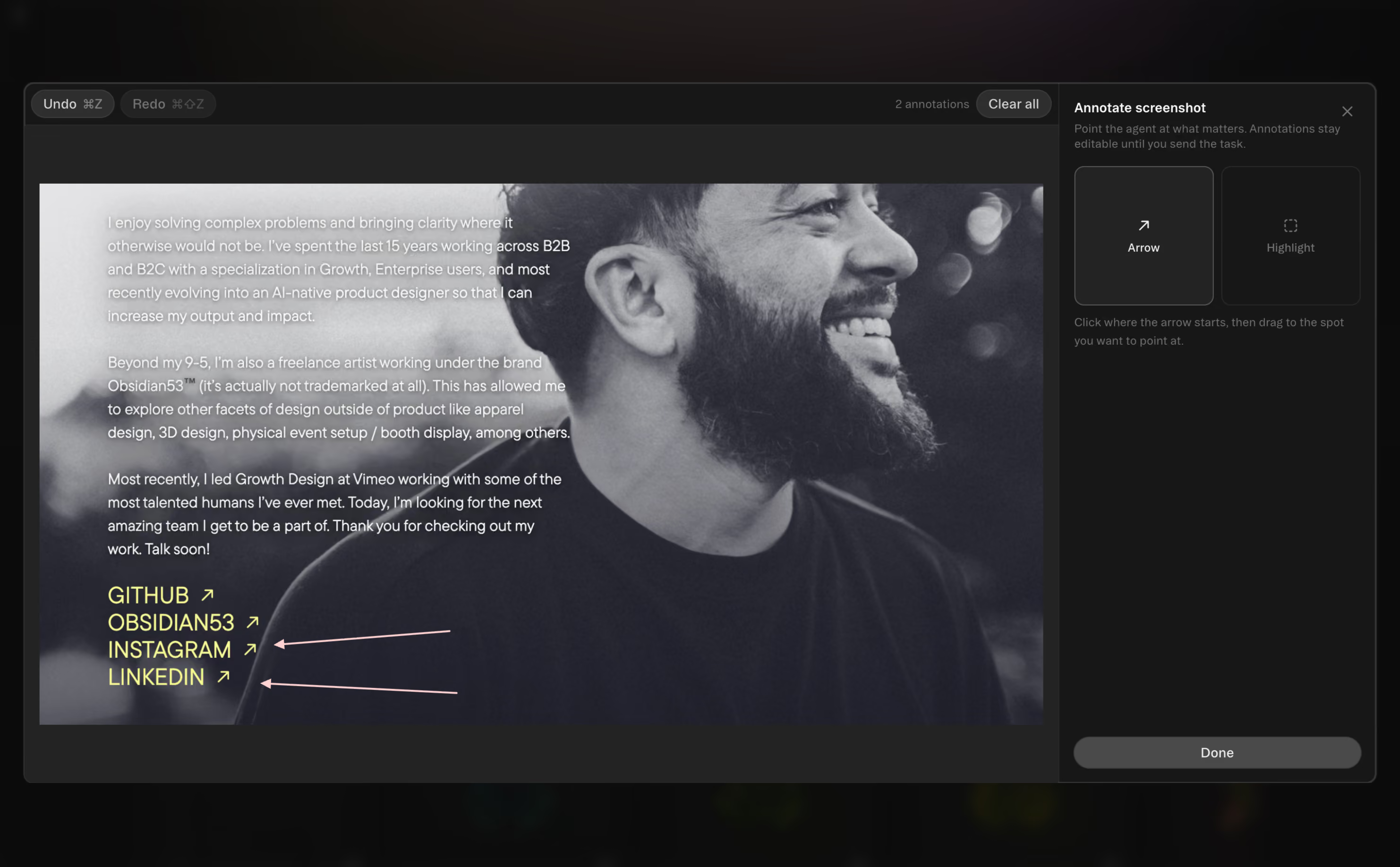
When I anchored a prompt to a screenshot, I found myself writing long descriptions to explain exactly which region mattered and what should change. The problem was not a lack of context. It was the effort required to describe a precise visual target using words alone.
Pinpoint lets people annotate a screenshot directly, keeping those annotations editable and attached to the prompt sent to the agent.
Initial entry point
Pinpoint first lived in one Prompt composer opened from the product’s primary action.
Shared capability
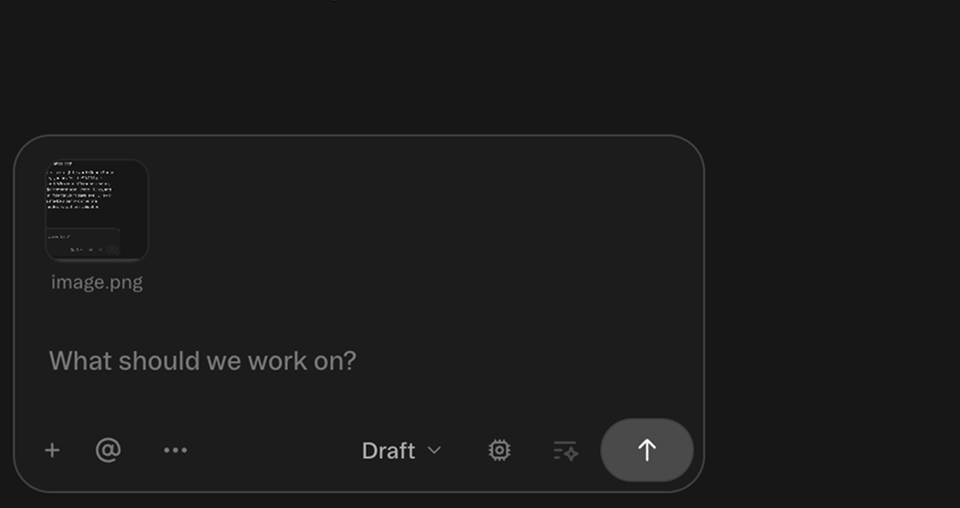
Engineering review led to a modular implementation on the shared composer.
Product reach
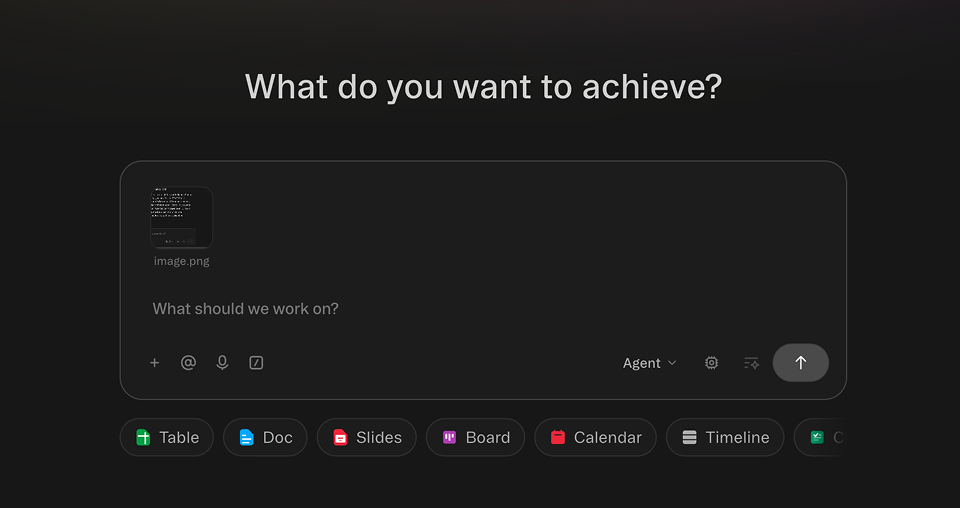
The same annotation workflow became available wherever the composer appeared.
Identify the communication gap. Translate a repeated prompting behavior into a clear product opportunity.
Build the focused proof of concept. Integrate annotation directly into one screenshot-based Prompt composer.
Respond to engineering review. Extend the component architecture so the workflow was modular rather than tied to one surface.
Refine through implementation. Use the working product to tighten states, controls, and interaction details.
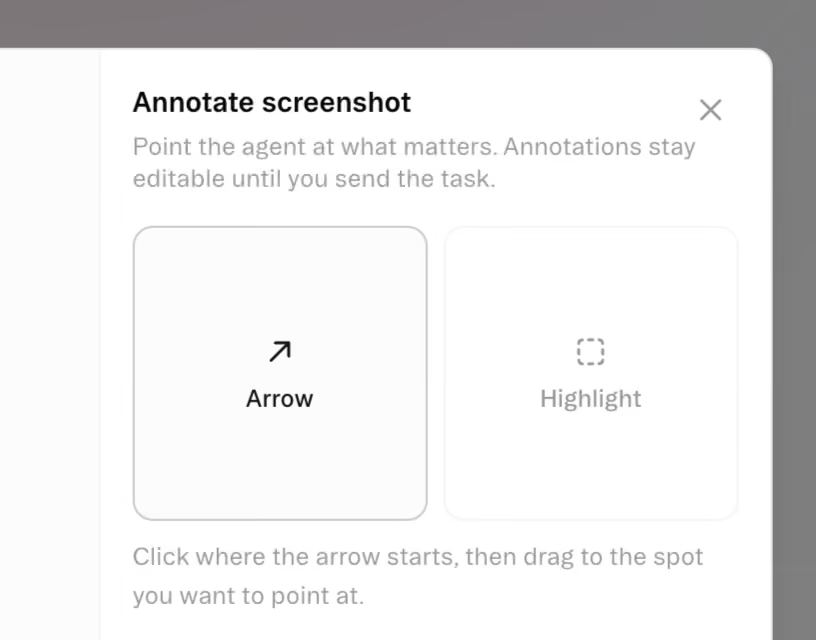
Direct attention to a specific element without relying on spatial descriptions in the prompt.
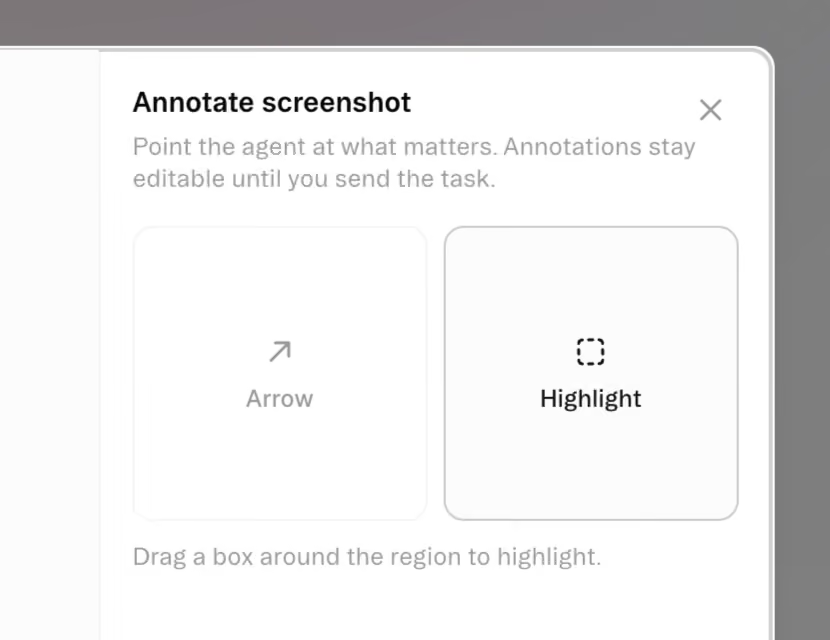
Drag a box around the relevant area when the request applies to a group, section, or layout zone.
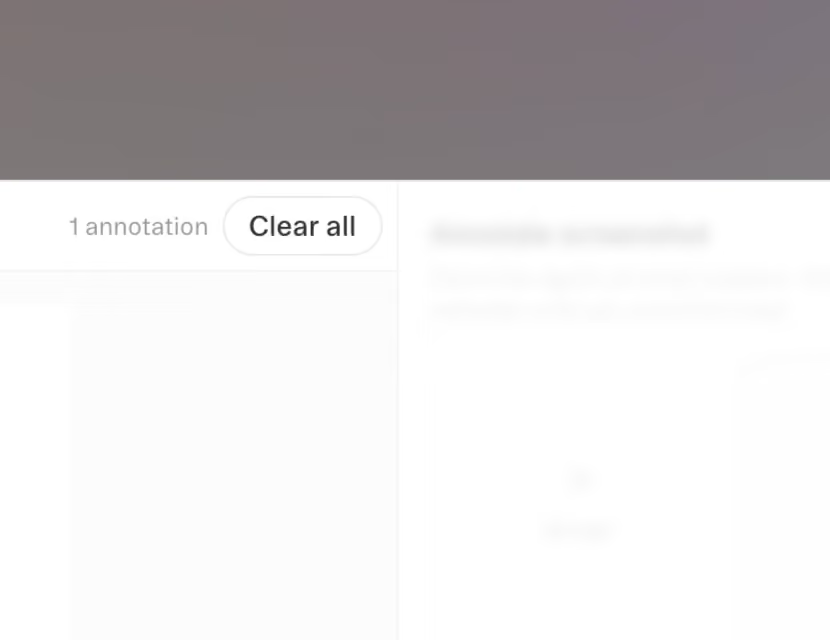
Annotations remain editable until submission, with undo, redo, and clear-all actions for quick correction.
I built Pinpoint because I was spending too much time explaining where a visual change should happen. Giving people a faster way to point at the right place made the workflow easier for me, then useful to anyone directing the same kind of work.
The first version solved that problem in one Prompt composer. Feedback during implementation pushed the component into a more modular shape so the same capability could work wherever the composer appeared.
What mattered most was turning a repeated frustration into working software that saved time for more than just me. The feature is live today, and I can demonstrate it during interviews with an active Obvious account.
Home